Laser or CNC engraving? The laser is better for fine detail, small text, logos and photographs, with a white finish and without touching the part; the router is better when you need depth, colour infill, engraving on materials the laser cannot handle or resistance to very heavy wear. Many parts combine the two.
The difference in one sentence
The laser vaporises a very thin layer of the surface with a beam of light, without contact; the router removes material with a rotating tool, guided by numerical control. All the differences in finish, detail, depth and materials stem from that.
The two terms are often confused when ordering a part, and that leads to a result different from the one expected: a flat white engraving when a coloured groove was wanted, or the other way round.
How laser engraving works
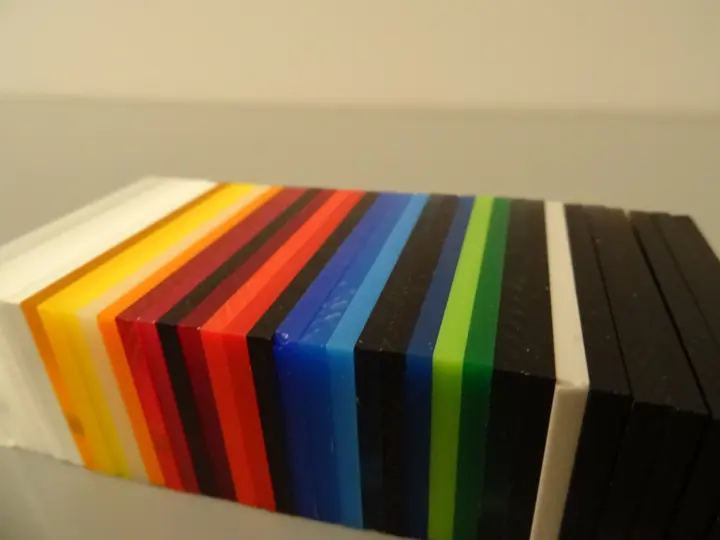
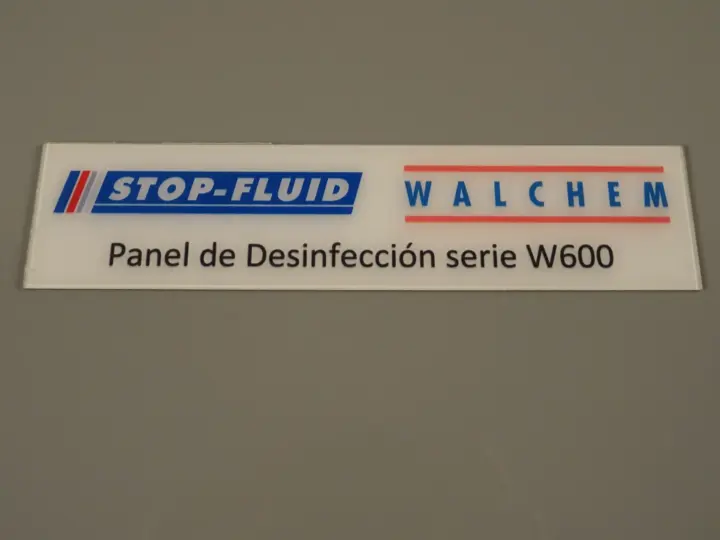
In laser engraving, also called laser marking, the beam of a CO₂ laser travels over the surface and vaporises it following the design. On acrylic the result is a frosted white area, even on black acrylic, with very clean contrast.
- Detail: very high. Small text and fine logos without distortion, and sharp corners.
- Depth: superficial. It can be felt to the touch, but it is not a groove.
- No mechanical force: the part does not need to be clamped tightly and there is no risk of the tool marking it.
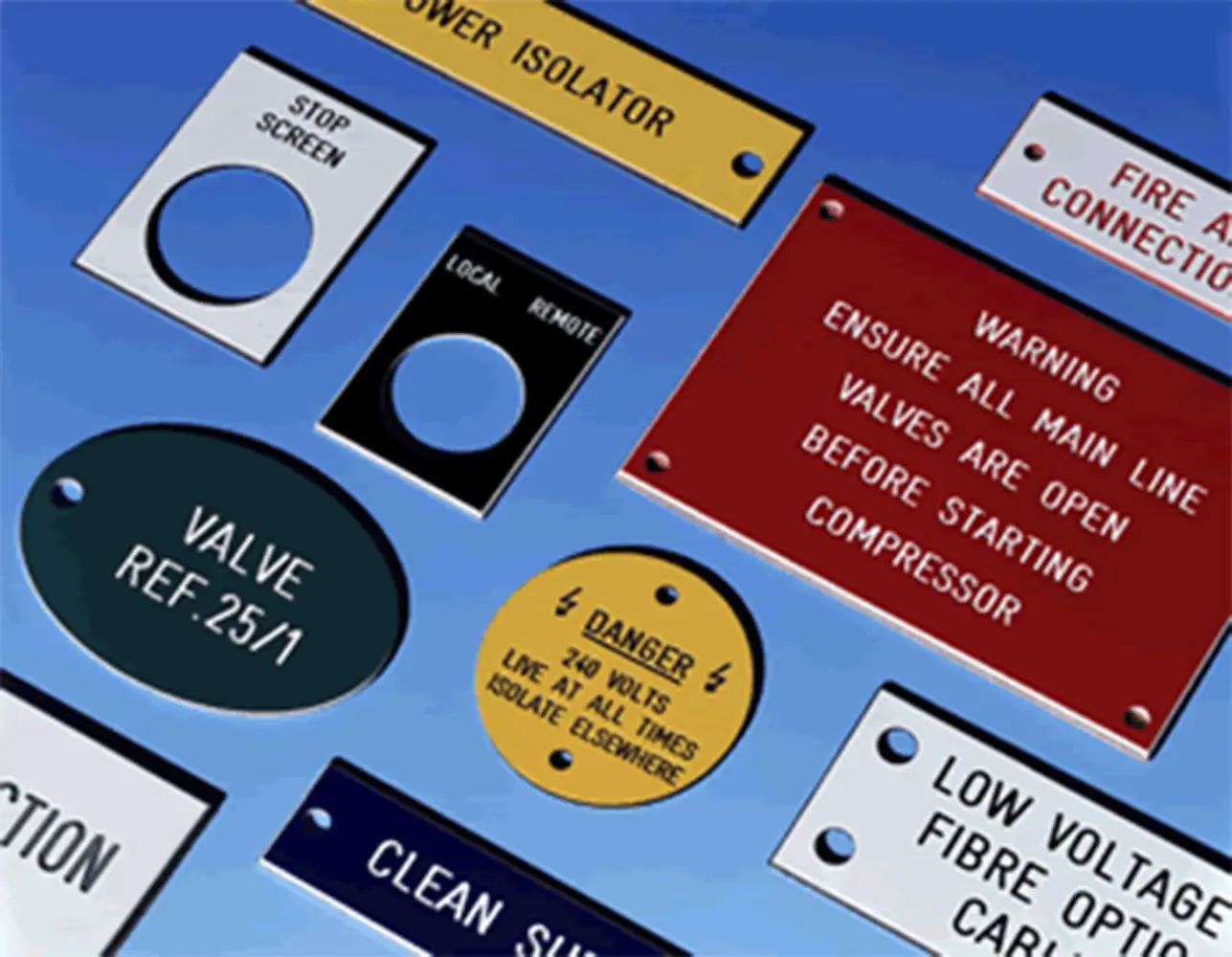
- Two-ply ABS: in this plastic (Gravoply type), a thin layer of one colour covers a core of another. The laser removes the top layer and reveals the core: this is how many identification and signage plates are made.
On cast acrylic the engraving comes out whiter than on extruded acrylic; we explain it in cast or extruded acrylic.
How CNC router engraving works
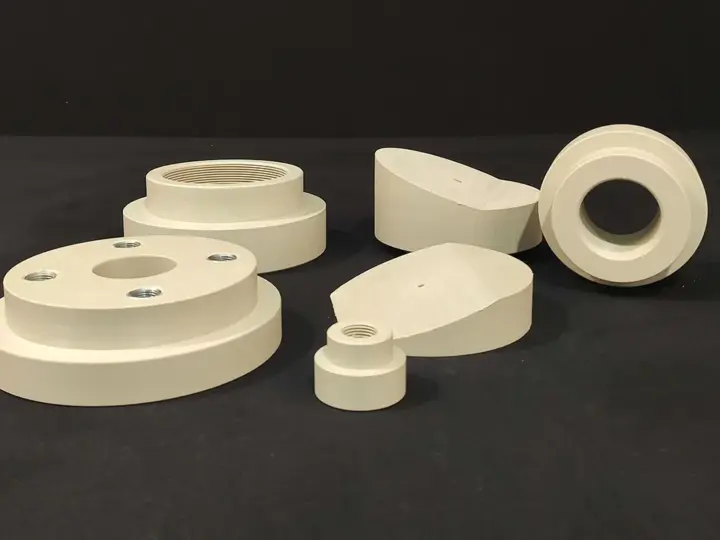
The router cutter is a rotating cutting tool. On a CNC machine it follows the design precisely and removes material to the programmed depth.
- Controlled depth: grooves, recesses and reliefs, which can be filled with paint.
- More materials: acrylic, polycarbonate, polyethylene, PVC, Dibond® and wood, including those that should not go through a laser.
- Geometric limit: the cutter is round, so internal corners are left with the radius of the tool. In very small text, that radius limits the detail.
- It cuts too: the same machine can cut out the part, drill it and make joints.
Laser or CNC engraving: comparison
To decide, look at which material the part is made of, whether it needs depth or colour, and how big the smallest details of the design are.
| Criterion | Laser engraving | Router engraving (CNC) |
|---|---|---|
| How it works | Vaporises the surface, without contact | Removes material with a tool |
| Detail | Very high: small text, sharp corners | High, limited by the cutter diameter |
| Depth | Superficial | Controlled, from a fine groove to a deep recess |
| Appearance on acrylic | Frosted white | Machined groove; takes colour infill |
| Photographs and gradients | Yes, as halftones | No |
| Materials | Acrylic, two-ply ABS, wood | Acrylic, polycarbonate, polyethylene, PVC, Dibond®, wood |
| Not suitable for | PVC (toxic gases), polycarbonate (yellows) | Very thin, fragile sheets without good clamping |
| Ideal for | Awards, fine plaques, personalisation, runs with a logo | Technical parts, heavy-duty plates, recesses, joints |
Which engraving to choose for each part
Most orders fall into one of these four cases. If your part combines several, it can be engraved with one technique and cut or machined with another.
Awards and recognition pieces
Laser, almost always: white engraving on cast acrylic, often on the back face, gives the finish expected of an award. You can see examples in custom acrylic awards.
Plaques and signage
For indoor plaques with text and logos, laser on acrylic or two-ply ABS. For plaques that will be subject to rubbing or aggressive cleaning, or that need colour infill, router. More in acrylic signage.
Technical panels and industrial parts
Control panels, fronts and housings usually combine cutting out, drilling and markings. If the material is polycarbonate or the marking has to withstand heavy wear, router; if it is acrylic and detail is the priority, laser or UV printing on acrylic. Examples in control panels and machined parts.
Photographs and gradients
Laser only, and in whitish tones. If the image has to be in colour, it is not engraving: it is direct UV printing.
Common mistakes when ordering engraving
Most problems do not come from the machine, but from different expectations between whoever orders and whoever makes the part. These are the ones we see most often:
- Asking for “engraving” and expecting colour. Laser engraving on acrylic is white; if you want colour, it has to be filled, made in two-ply ABS or printed.
- Text too fine for the router. Below a certain size, the radius of the tool blurs the letters. With a laser this does not happen.
- Designs as low-resolution images. To engrave text and logos crisply we need the design in vector format; photographs, on the other hand, are worked as images.
- Choosing the material without thinking about the technique. A fine logo laser engraved on polycarbonate does not look good; on cast acrylic, it does.
What if the part also needs cutting?
To cut shapes in acrylic up to 40 mm, the laser leaves a polished edge straight away. For greater thicknesses, other materials or parts with recesses and joints, we use the router and then polish the edge. We explain it in detail in how acrylic is laser cut.
When to order from a workshop
If the part will carry your brand and be on view for years, it is worth letting the workshop choose the technique with the design in front of it. At Apligam we offer laser engraving with three CO₂ lasers, one of them dedicated to engraving, and CNC routing in a 4300 × 2200 mm format, so we can combine both on the same part, from a single unit to a full run.
Send us the design, the material (or what the part will be used for, if you are not sure), the dimensions and the quantity. We will tell you which engraving suits it before manufacturing.
Looking for a standard award? There are standard models with prices at Crilato, our online shop (in Spanish): custom acrylic awards.
Frequently asked questions
Which engraving lasts longer, laser or router?
Both are permanent: they do not wear off like ink. Laser engraving on acrylic withstands the abrasion of normal use well. Router engraving is deeper, so it remains legible even if the surface wears a great deal, for example on machinery plates or outdoors with frequent cleaning. For very heavy use, router.
Can an engraving be filled with colour?
Yes. Paint infill adheres better in the groove of a router engraving, which has depth and defined walls. It can also be applied to a superficial laser engraving, but it is less protected. If you want colour without infill, the alternative is to engrave two-ply ABS, where the colour comes from the lower layer of the material itself.
Can clear acrylic be engraved from the back?
Yes, and it is common in awards and plaques: the back face is engraved in mirror image and read from the front through the material. The engraving is protected from rubbing and gains visual depth. It works with both laser and router; the laser achieves more detail in small text.
Can photographs be engraved?
With a laser, yes: the image is converted into a dot pattern and engraved in whitish tones on the acrylic. With a router it is not viable, because it works with lines and surfaces, not with tones. If you need a full-colour photograph, the right technique is direct UV printing on the part.
Can polycarbonate be laser engraved?
It is not recommended. Polycarbonate absorbs the CO₂ laser beam poorly: the engraving comes out yellowish or scorched and the edges burn. To mark polycarbonate we use the router or UV printing. PVC should not be laser engraved or cut either, because it gives off corrosive, toxic gases.