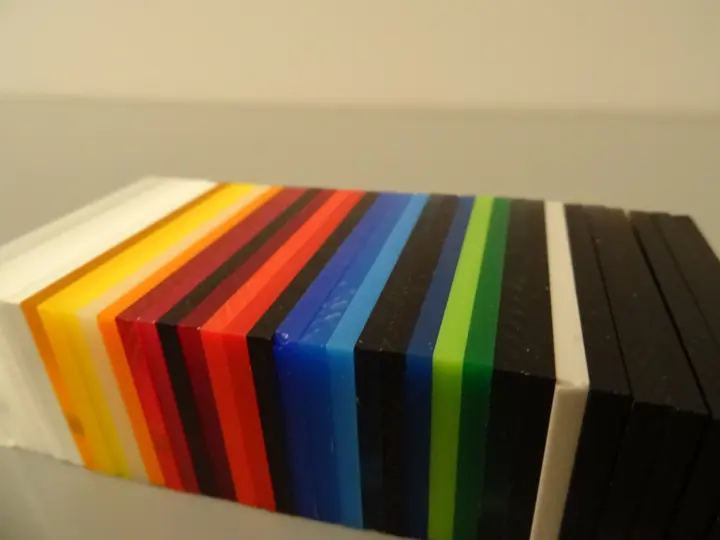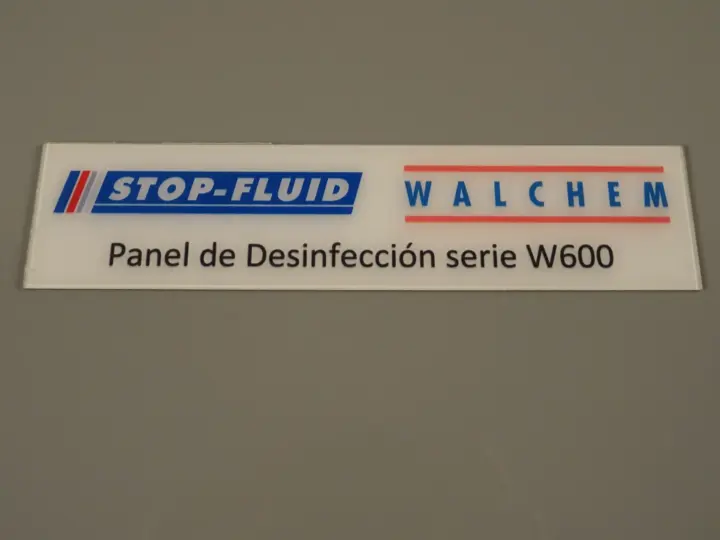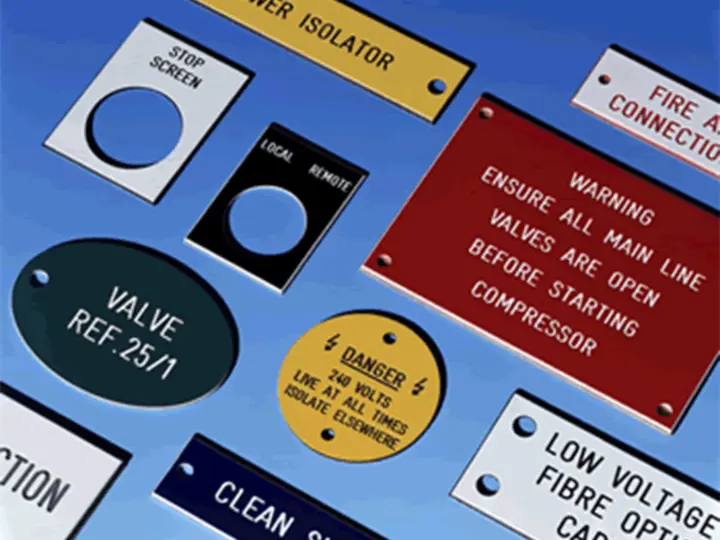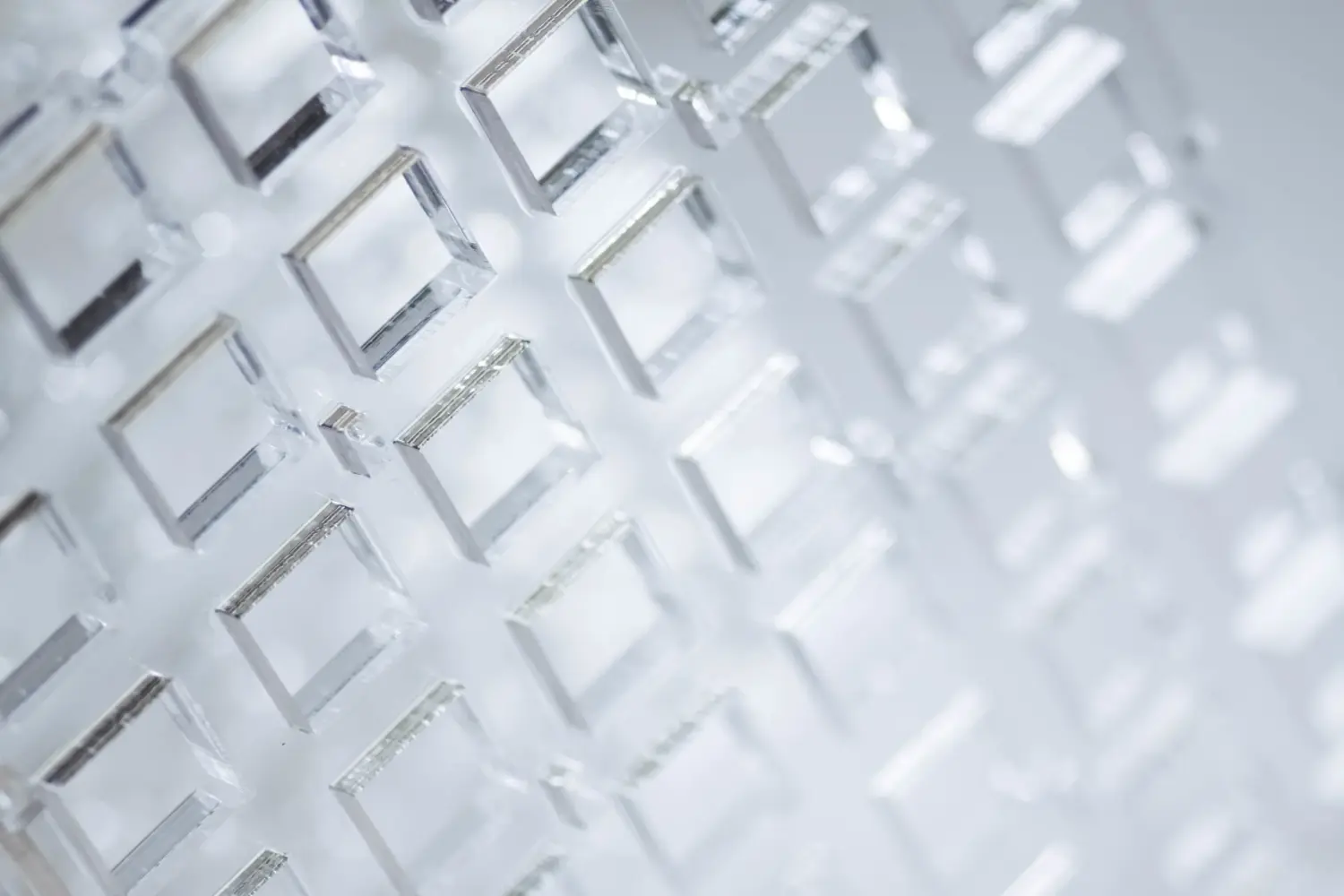
Acrylic is cut with a CO₂ laser: the beam melts and vaporises the material along the line and leaves a polished, glossy edge that needs no further finishing. It is the best technique for shapes, curves and cut-outs in acrylic from a few millimetres up to about 15 mm; in our workshop we laser cut acrylic up to 40 mm. It has limits: thickness, stress at the edge and materials it cannot handle. And it requires a well-prepared vector file.
What happens when the laser cuts acrylic
A CO₂ laser emits infrared light that acrylic absorbs almost completely. At the point where the beam is focused, the material turns to vapour; as it moves along, it opens a very fine kerf and slightly melts the walls, which are left smooth and glossy as they cool. That is why the edge is described as “flame polished”, or polished by the laser itself.
The machine follows a vector drawing: each line is a path for the head. With less power, the same machine can mark only the surface: that is engraving.
Advantages of laser cutting acrylic
The laser combines three things that no other technique offers at once in acrylic: a polished edge straight from the machine, freedom of shape and no force on the part.
- Glossy edge without subsequent polishing. It saves an operation and gives a uniform finish across the whole part.
- Free shapes. Tight curves, internal cut-outs, small holes and tiny parts that would be impossible with a saw and would have rounded corners with a cutter.
- No contact. There is no tool pushing the sheet, so thin, delicate parts can be cut without breaking them.
- Exact repetition. Part 1 and part 500 come out the same, because the program is the same.
- No tooling. There are no moulds or dies: a design change only requires changing the file.
Limits worth knowing
Knowing where the laser reaches its limits avoids ordering a part that will cause problems. These are the limits that most affect an acrylic design.
Thickness
Each machine has a maximum thickness depending on its power. In our workshop we laser cut acrylic up to 40 mm. Beyond that, or if the edge has to be perfectly square, we use CNC machining and polish the edge afterwards.
Stress at the edge
Heat leaves stress in the edge. It cannot be seen, but if the edge comes into contact with alcohol, solvents or solvent-based adhesives, micro-cracks can appear hours or days later. It happens more with extruded acrylic than with cast (we explain it in cast or extruded acrylic). If the part is going to be bonded, it is annealed first.
Taper and kerf
The beam removes a strip a few tenths of a millimetre wide and, in large thicknesses, the edge may come out with a very slight angle. In individual parts it does not matter; in joints, slots and lids it does: the program compensates for it if we know which dimensions are critical.
Part size
The working area limits the largest part that can be cut in one go. Our cutting lasers work in 2000 × 1500 mm. Larger parts are cut with a CNC router, which in our workshop reaches 4300 × 2200 mm.
Materials that should not go through the laser
- PVC (solid or foam): it releases chlorine when burnt; it is toxic and corrodes the machine. It is cut with a saw or a cutter.
- Polycarbonate: it yellows, leaves a scorched edge and does not separate cleanly. Cutter or saw.
- Two-ply ABS, wood: these can be laser cut; two-ply ABS is the basis of many identification plates.
Laser, router or saw: which cut to choose
All three techniques cut acrylic, but each has its own territory. The choice depends on the shape, the thickness and the edge you need.
| Criterion | CO₂ laser | CNC router | Saw |
|---|---|---|---|
| Shapes | Free, with sharp corners | Free, internal corners with the tool radius | Straight cuts only |
| Edge | Polished straight from the machine | Machined; polished afterwards | Matt; can be polished |
| Acrylic thickness | Up to 40 mm (in our workshop) | Large thicknesses | Large thicknesses |
| Recesses, joints, countersinks | No | Yes | No |
| Other materials | Two-ply ABS, wood | Polycarbonate, PE, PVC, Dibond®, wood | Almost all |
| Ideal for | Silhouettes, logos, cut-outs, small parts | Technical, thick or large parts | Rectangular plates and sheet formats |
Many parts combine techniques: they are cut to format with a saw, cut out with the laser and then bent with acrylic thermoforming. For engraving, the comparison between techniques is in laser or CNC engraving.
How to prepare the file for laser cutting
The laser cuts exactly what the file draws, so an error in the drawing is an error in the part. To cut, we need a vector file (DXF, AI, EPS or vector PDF); an image (JPG, PNG) is only useful as a reference or for engraving photographs.
Checklist:
- Real 1:1 scale, in millimetres. A 200 mm part must measure 200 mm in the file.
- Closed cutting lines. An open outline does not separate the part.
- No duplicate or overlapping lines. The laser would pass twice and burn the edge.
- Text converted to curves (outlines), so that the typeface does not change.
- Cutting and engraving separated into different layers or colours, with a note saying which is which.
- Reasonable distances. As a guide, leave at least the thickness of the material between two parallel cuts; otherwise the strip will distort with the heat.
- Critical dimensions marked (joints, holes for fixings) and the face that will be visible.
- Material, colour, thickness and quantity, even if only in the email.
If you only have a sketch, a photo or a print PDF, send it anyway: we will prepare the cutting file from it.
Cutting and engraving in the same pass
The laser can cut the outline and engrave the logo or text in the same operation, without moving the part. That way the shape and the engraving always line up, which is key in awards, plaques and branded parts. Engraving on acrylic comes out white and frosted, even on black, and is more visible on cast acrylic.
When to order from a workshop
It is worth ordering from a workshop when the part needs a polished edge, shapes that cannot be achieved with a saw or a series of identical parts. A home or hobby laser does not usually have enough power or working area for acrylic several millimetres thick with a clean edge, and has no extraction for daily work.
At Apligam we offer laser cutting and engraving with three CO₂ machines (cutting in 2000 × 1500 mm up to 40 mm, and one dedicated to engraving), from a single unit, and we combine the laser with sawing, CNC routing, bending and UV printing in the same workshop. We check the file before cutting and let you know if something is not going to turn out well.
Only need a rectangular sheet cut to size, with no shapes? You can buy online from Crilato, our online shop (in Spanish), with an instant price: clear acrylic sheet.
Frequently asked questions
What is the maximum thickness of acrylic that can be laser cut?
It depends on the power of the machine. In our workshop, the CO₂ lasers cut acrylic up to 40 mm with a polished edge. Above that thickness (we work with acrylic up to 100 mm), or when the edge must be perfectly perpendicular, we cut with a saw or CNC router and polish the edge afterwards.
Why does the edge of a laser-cut part sometimes crack?
The heat of cutting leaves stress in the edge. If that edge later comes into contact with alcohol, glass cleaners with solvents or solvent-based adhesives, micro-cracks can appear after hours or days. It is avoided by cleaning only with water and mild soap and, for parts that are going to be bonded, by annealing them first.
How much material is lost along the cutting line?
The beam removes a very thin strip, a few tenths of a millimetre wide, which we call the kerf. In individual parts it is not noticeable. In parts that have to fit together (slots, tabs, lids), the cutting program compensates for it; that is why it is important that the file comes at real size and that you tell us which dimensions are critical.
Does laser cutting leave marks on the faces of the sheet?
Normally not, because it is cut with the protective film on, which is removed at the end. On the underside, a very slight mark from the support may remain on highly detailed parts or on thin acrylic. If both faces will be visible, for example on a hanging piece, mention it when you order.
Which materials should not be laser cut?
PVC, because when burnt it releases chlorine and corrosive gases that damage the machine and are toxic. Polycarbonate does not cut well either: it yellows, leaves a scorched edge and, in medium thicknesses, does not separate cleanly. For those materials we use the CNC router or the saw. Of the transparent plastics, acrylic is the one that laser cuts best.